

If Teams Is the Hero… Why Is SharePoint Doing All the Work?
I can already hear it.
“Wait… I thought this was a SharePoint countdown. Why are we talking about Teams?”
Fair question. Here’s why.
If you’re using Microsoft Teams, you are using SharePoint.
You just might not realize it.
“We Don’t Use SharePoint. We Use Teams”

I hear this so often from customers and participants in my classes or workshops. And I just have to take a moment take a deep breath and sigh.
A leader will confidently say, “We’ve moved everything to Teams. We don’t really use SharePoint anymore.”
Then I ask a simple question: “Where are your files stored?”
Crickets.
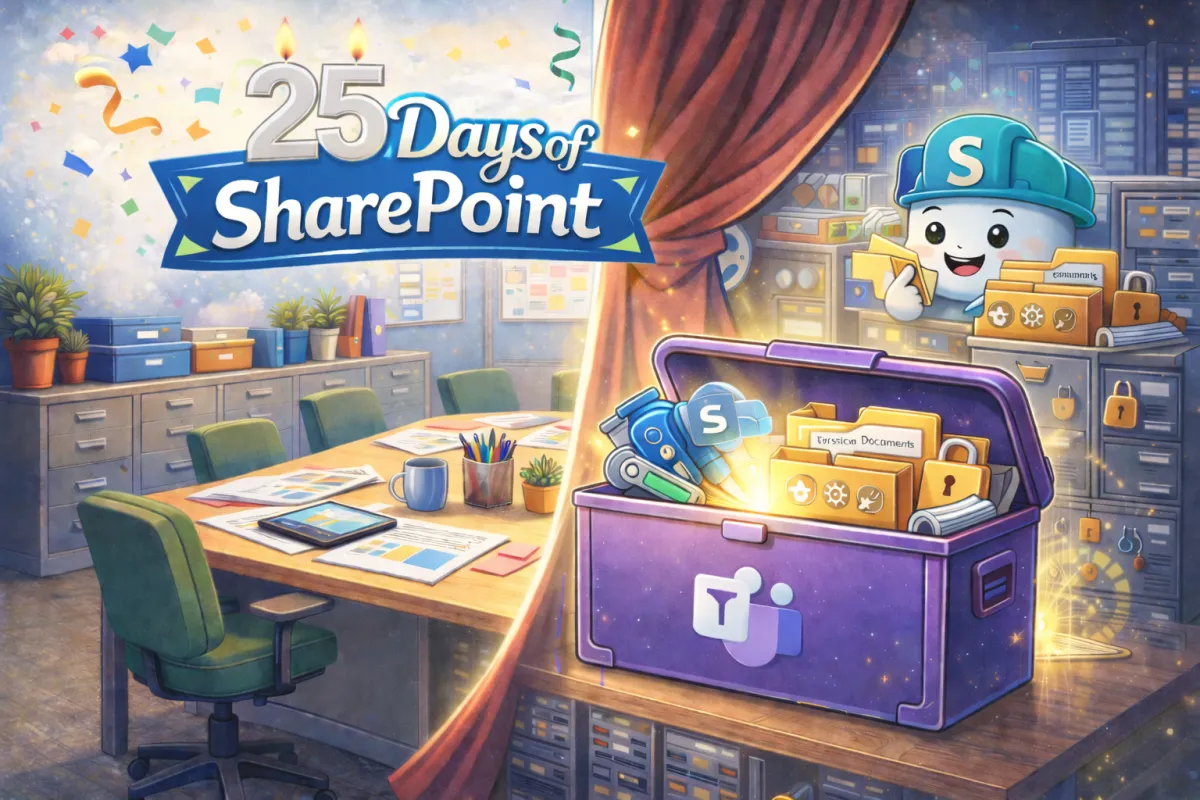
Because when you open the Shared tab inside a Team channel, what you’re actually looking at is a SharePoint document library. When you upload a proposal, co-author a PowerPoint, restore a previous version, or manage permissions, SharePoint is doing the work behind the curtain.
Spoiler: Nothing Lives in Teams
Teams is the toolbox.
SharePoint is the tool that gets things done.
The Real Business Challenge
Your marketing team collaborates in Teams. They chat, meet, drop files into channels, and assume everything is handled.
Your sales team shares proposals in Teams and expects version history to protect them from overwriting each other’s work.
HR manages onboarding documents in Teams and needs permissions to be airtight.
All of that works because SharePoint is managing structure, security, metadata, storage, compliance, and governance in the background.

When organizations tell me their Teams environment feels chaotic, what they usually describe is:
Channels with no clear purpose
Files scattered across folders
Confusion about ownership
Permissions that feel inconsistent
Teams that never get archived
That is not a Teams feature issue. That is a SharePoint foundation issue.
And once you understand that, the conversation changes completely.
Teams Is the Toolbox. SharePoint Is the Power Tool

Teams makes collaboration feel easy because it simplifies the interface. It brings chat, meetings, files, and apps into one clean space. That simplicity is powerful.
But under the hood, SharePoint is the power tool that manages file storage and structure. Every Team has a connected SharePoint site. Every standard channel maps to a folder in a SharePoint document library. Private and Shared channels create separate SharePoint sites. Permissions flow through that structure whether people realize it or not.
So when someone says, “Our Teams permissions are a mess,” what they’re really saying is, “We need to look at how our SharePoint sites are structured.”
And that is not a criticism. It is an opportunity.
A Moment of Reflection
If you paused right now and looked at your Microsoft 365 environment, would you say your toolbox is organized and intentional, or does it feel like tools tossed in without a plan?
Do you know who owns each Team and its connected SharePoint site?
Are your files structured in a way that makes sense six months from now, not just today?
When someone new joins a project, can they quickly understand where things live and how work gets done?
Taking a few minutes to reflect on these questions often reveals whether Teams is simply being used… or whether SharePoint is being leveraged strategically to support the way your organization truly works.
Don't worry, we will get deeper into that in another post. Twenty-five days is a LOT of time to ponder!
If Teams feels overwhelming, it might not need more features. It might just need a stronger foundation.
And that foundation is SharePoint.
Which brings us to Day 19 of our 25 Days of SharePoint. Stay tuned…


