

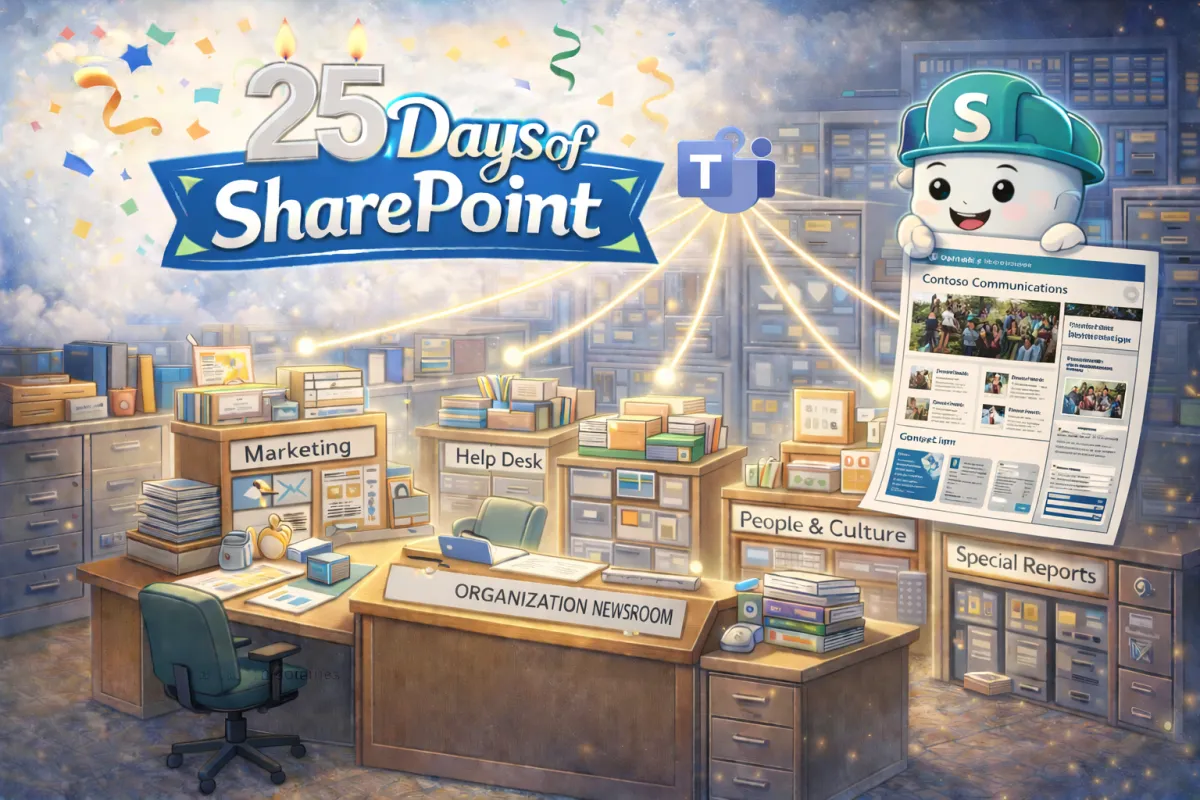
Every Headline Starts in a Messy Room
Dear Gentle Readers...
If you’ve been following along, you know we’ve been looking at SharePoint not just as a tool, but as something that has grown up over time. Today we’re stepping into one of the most important spaces in that growth journey: the SharePoint Collaboration Site.
Here’s the analogy that makes this click for most people:
SharePoint Collaboration Sites = Newsroom
SharePoint Communication Sites = Newspaper
If a SharePoint Communication Site is the newspaper everyone reads, then a SharePoint Collaboration Site is the newsroom where the stories are written, revised, debated, edited, and refined before they ever make it to print.
The Newsroom is productive.
The Newspaper is polished.
You wouldn't allow your gentle readers to dig around and shuffle the stacks of papers to figure out what they need to know. They need to wait until the evening edition is published!
How your organization uses these two spaces says a lot about your SharePoint maturity.
If It’s Shiny, It Didn’t Start Here

A SharePoint Collaboration Site is designed for creating and storing working copies of documents. This is where project plans are drafted, budgets are adjusted, proposals are reviewed, and lists are maintained. It’s where version history quietly protects you and permissions ensure only the right contributors are involved.
This is not the stage for glossy formatting and company-wide announcements.
This is the workspace. It’s dynamic. It’s iterative. It’s collaborative by design.
If your Communication Site is the finished Sunday edition, your Collaboration Site is Tuesday afternoon with redlines, sticky notes, and coffee-fueled creativity.
Be Honest. How Mature Is Your Newsroom?
Now let’s connect this back to maturity, because this is where things get interesting.
Toddler Stage: The Chaotic Playroom
In early-stage SharePoint environments, there is no clear newsroom. Documents are everywhere. Teams are emailing attachments. Files are saved to desktops. People aren’t sure where the “real version” lives.
If your Collaboration Sites feel like digital toy bins with no labels, you’re still in the toddler phase. Everyone means well. Nothing is structured.
Teen Stage: Learning the Rules
At this stage, Collaboration Sites exist, but governance is inconsistent. Some teams use them well. Others still default to email or shared drives. Permissions might be overly broad or painfully restrictive.
The newsroom exists, but it’s still figuring out house rules. You’re growing, but consistency hasn’t caught up yet.

Young Professional Stage: Structured Collaboration
This is where things start to click.
Teams understand that drafts live in Collaboration Sites. They trust version history. They know when something is ready to move from the newsroom to the newspaper. Workflows are clearer. Permissions are intentional.
You’re no longer reacting to chaos. You’re operating with confidence.
Executive Stage: Intentional Content Lifecycle
In mature environments, there’s a defined lifecycle. Content is created in Collaboration Sites, reviewed through structured processes, and then published to Communication Sites with purpose.
There’s clarity around ownership. Governance supports productivity instead of blocking it. Teams aren’t guessing where to work.
At this stage, SharePoint isn’t just storing documents. It’s managing knowledge.
And Yes, This Still Connects to Teams

If you’re using Microsoft Teams, you’re already using SharePoint Collaboration Sites whether you realize it or not. Every standard channel has one sitting behind it, storing documents and tracking versions.
Teams handles the conversation.
SharePoint handles the content.
Understanding that relationship is often the turning point in maturity. When people realize they already have a newsroom built in, adoption starts to accelerate.
A Moment of Reflection
So let me ask you this. When someone in your organization creates a draft document, do they instinctively know where to go?
Is there a trusted Collaboration Site that acts as the newsroom?
Is there a clear path from draft to publish?
Or are you still taping articles to the front page before the ink is dry?
I work with organizations at every stage. The key is knowing where you are so you can decide where you want to go next.
Because SharePoint at 25 understands something powerful: not everything belongs on the front page. Great collaboration needs a newsroom first.
And tomorrow, we look at how SharePoint collaboration should really work!


