

Folders Don't Make Friends
The Day the Lunch Table Got Crowded

There was a time when SharePoint felt like that kid sitting alone at the lunch table. Not because it wasn’t capable. Not because it didn’t have potential. But because nobody quite understood how to engage with it beyond “drop your file here and walk away.”
Folders stacked inside folders.
Random naming conventions.
Five versions of the same spreadsheet living quiet, parallel lives.
Then Modern SharePoint showed up. Braces off. Hair styled. Confidence rising. And suddenly the table isn’t empty anymore.
And people stopped saying “Can you make it NOT look like SharePoint?”
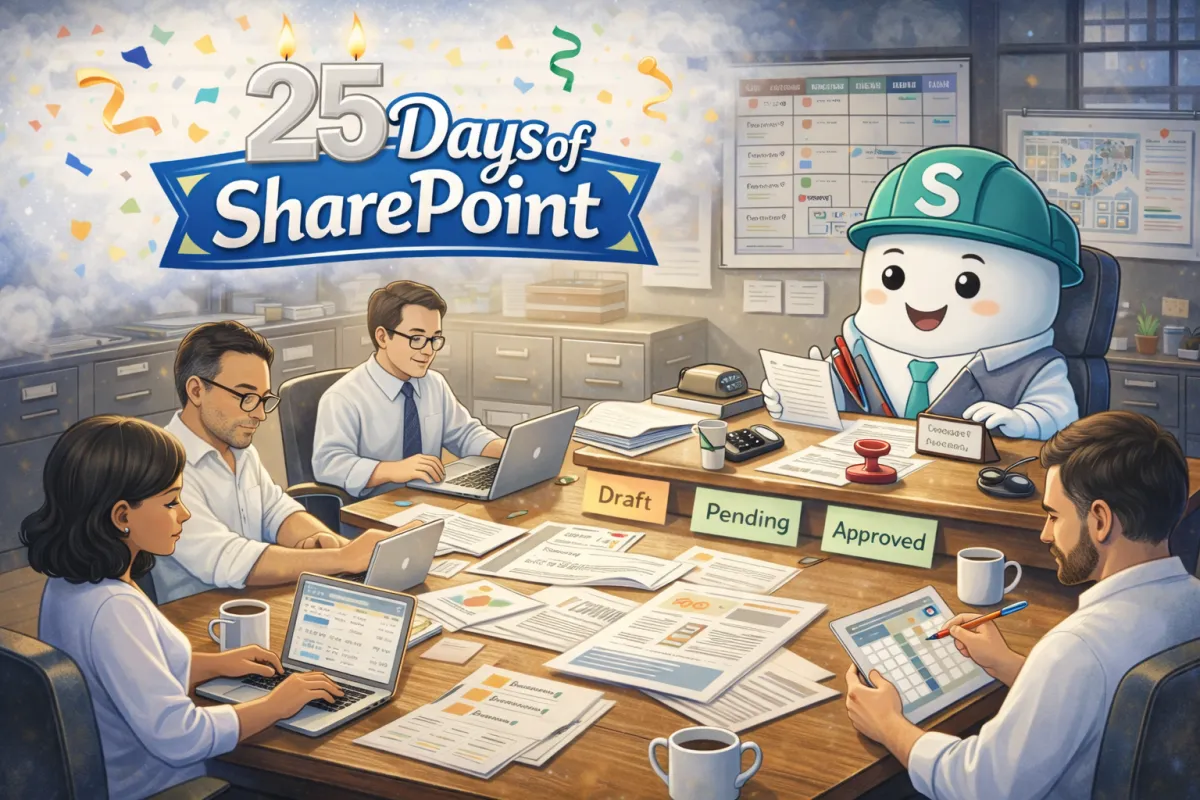
Let’s talk about SharePoint Collaboration Sites in their young teen era, when the awkward document dump starts turning into a buzzing collaboration hub.
What a Collaboration Site Really Is
Inside Microsoft SharePoint, a Collaboration Site is your team’s working space. Not the polished announcement board. Not the executive-facing homepage. This is the “roll up your sleeves and get it done” environment.
It’s where projects live.
It’s where documents evolve.
It’s where responsibilities become visible.
It’s where work stops hiding in inboxes.
And here’s the turning point in our teenage analogy: SharePoint is no longer sitting alone.
Now the cool friends are pulling up chairs. Not for popularity points. For productivity.
Lists: The Organized One Everyone Secretly Appreciates
Ok, I have to get a little bit real on this one. There was a bit hoopla around the “new” feature of SharePoint when Microsoft Lists hit the scene in 2020. But, if you’ve been the loving parent of SharePoint like me you know that LISTS WERE THERE THE WHOLE TIME! Welcome to my world! They’ve just gotten a little sexier and more accessible than being in the background of a Classic document dump!
When Microsoft Lists shows up inside a Collaboration Site, something powerful happens. Instead of tracking projects in disconnected spreadsheets or sticky notes, teams begin using structured, shared information.

Think about how many things your team tracks that aren’t really documents:
Project risks
Action items
Vendor contacts
Issue logs
Event planning details
Content calendars
Lists turns those into living, shared trackers. Everyone sees the same data. Everyone updates the same place. There’s no “latest version” mystery or “someone else is editing this spreadsheet” blocking you from what you need to get done.
This is when SharePoint starts realizing that organization isn’t restrictive. It’s freeing. And believe me, we will talk a LOT more about Lists in our 25 Days of SharePoint!
Planner: The One Who Keeps Everyone Accountable

Then Microsoft Planner pulls up a chair.
Planner changes the energy of a Collaboration Site because now tasks aren’t buried in meeting notes or scattered across personal to-do lists. They’re visible. Assigned. Dated. Measurable.
Instead of asking in every meeting, “Who was supposed to do that?” you can simply look at the board.
Does your Excel spreadsheet remind you to take out the trash and mow the lawn? Well, Planner does! It becomes your Momma… “You have tasks due tomorrow…You have tasks due today…You have OVERDUE tasks!”.
That’s a huge maturity leap. Your site stops being a digital filing cabinet and starts behaving like a project command center.
Modern Document Libraries: The Transformation
We can’t talk about this stage without acknowledging how much modern document libraries have evolved inside SharePoint.
Version history means you don’t panic when something changes.
Co-authoring means you’re not emailing attachments back and forth.
Metadata means you don’t need twelve nested folders to feel organized.
This is another the “braces off” moment in our story. When teams shift from deep folder hierarchies to thoughtful structure using metadata and views, they discover something surprising.
They can actually find things.
And that confidence changes how people feel about the platform.
What This Stage Looks Like in Real Life
At this young teen stage, your Collaboration Site starts to show real signs of growth:
• Work is visible instead of hidden.
• Tracking happens in shared tools instead of personal spreadsheets.
• Documents evolve collaboratively instead of being emailed around.
• Responsibility is clearer.
When teams stop thinking of SharePoint as “where we save files” and start thinking of it as “how we coordinate work,” everything changes.
Fewer duplicate documents.
Fewer status update meetings.
Fewer “Where is that file?” messages.
That’s what Collaboration Sites are designed to support.
Ask Yourself…
If you walked into your SharePoint environment today, would you see active collaboration? Or would you see storage with good intentions?
Are Lists and Planner integrated intentionally into your sites? Or are your teams still juggling spreadsheets on desktops and task lists in notebooks?
Because the difference between those environments isn’t licensing. It’s maturity. And maturity doesn’t happen by accident.
Maturity happens when someone intentionally designs the space and supports the people using it.
Because when SharePoint grows up well, your work processes do too. And there are a lot more friends to bring to the table.
How Can I Help?
If your SharePoint still feels like it’s hovering near the edge of the cafeteria instead of leading the table, I’d love to help. This is the work I do every day, focusing on the people side of change so adoption sticks and collaboration becomes second nature.
#SPat25 #emPOWERd #MVPBuzz


