

Build Rooms With a Point (and People Will Actually Use Them)
Build Rooms With a Point (and People Will Actually Use Them)
Have you ever built a SharePoint page, added a bunch of “helpful” links and documents, and still watched people message you like the site doesn’t exist? If your page feels like a storage closet where everything technically fits but nobody can find anything, the issue usually isn’t the content, it’s that the “room” has no purpose, no context, and no obvious path for what to do next.
Give each page a “room purpose” before you decorate
A good room answers one question: What happens here? Same with a SharePoint page. Before you add anything, decide what this page is meant to help someone accomplish, then write a short intro that sets context so users don’t have to guess.
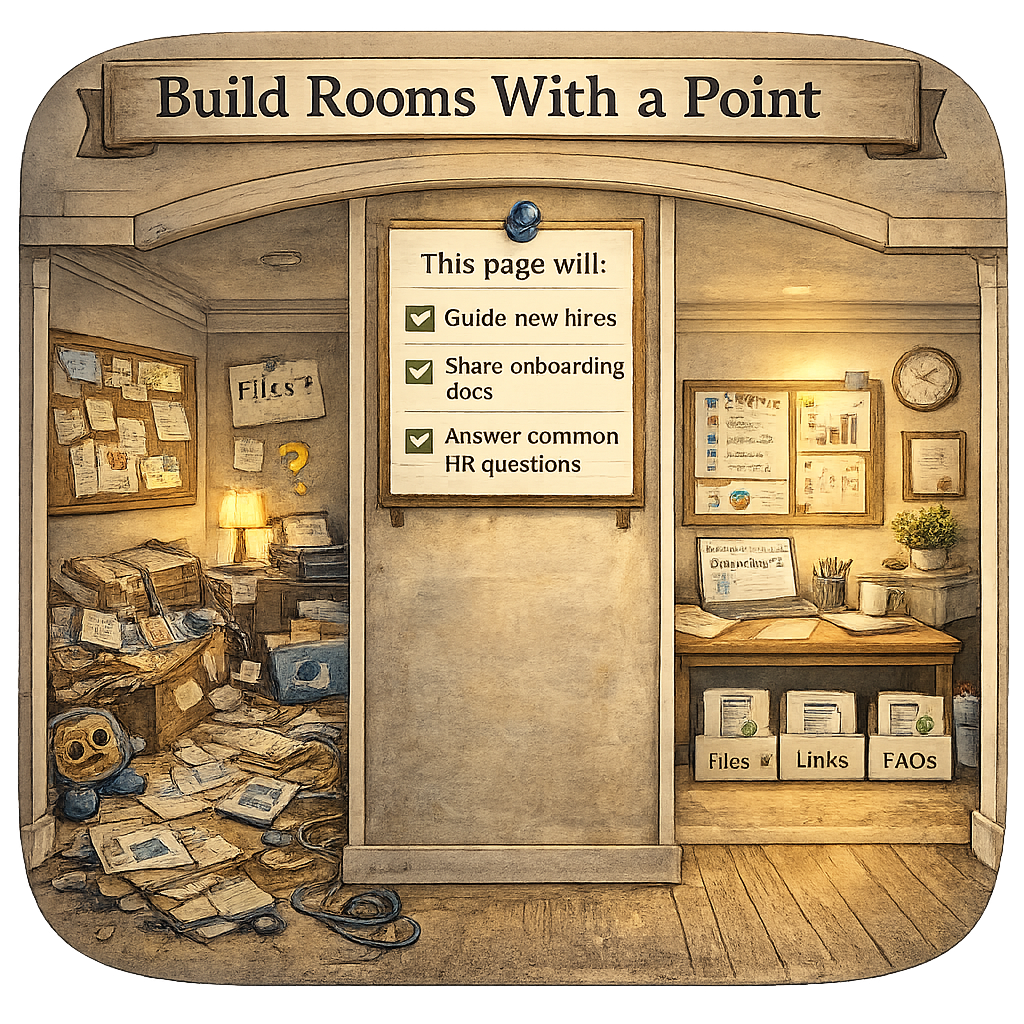
A quick gut-check:
Who is this page for?
What are they trying to do or decide here?
What content should they see first so they feel oriented?
This is the difference between “Welcome to the kitchen” and “Here’s a pile of utensils on the floor, good luck.”
Surface the right content from lists and libraries
Rooms work because what you need is already in the room and placed where you expect it. In SharePoint, that means your page should surface content from the libraries and lists that already exist, not force people to go hunting through Site Contents like it’s a scavenger hunt.
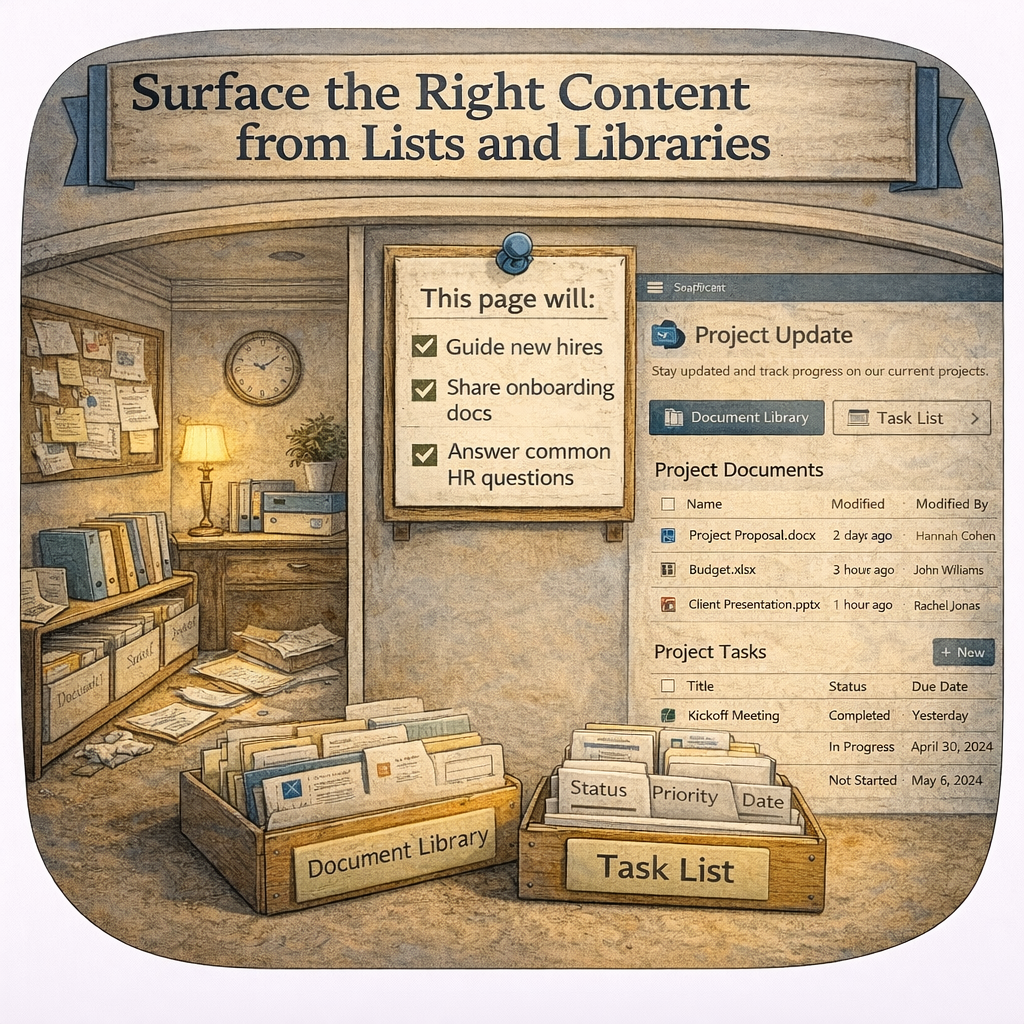
Think of it like this:
Libraries hold the “stuff” (documents)
Lists hold the “details” (data, status, tracking)
Pages bring it together with context so it’s usable
When you design pages this way, the page becomes the experience and the library becomes the source of truth, which is exactly what modern SharePoint is good at.
Web parts are your furniture (and yes, layout matters)
Once your room has a purpose and the right content is being surfaced, now you decorate. Web parts are the furniture: they determine whether the room feels welcoming and functional or like you tossed everything into the middle of the floor.
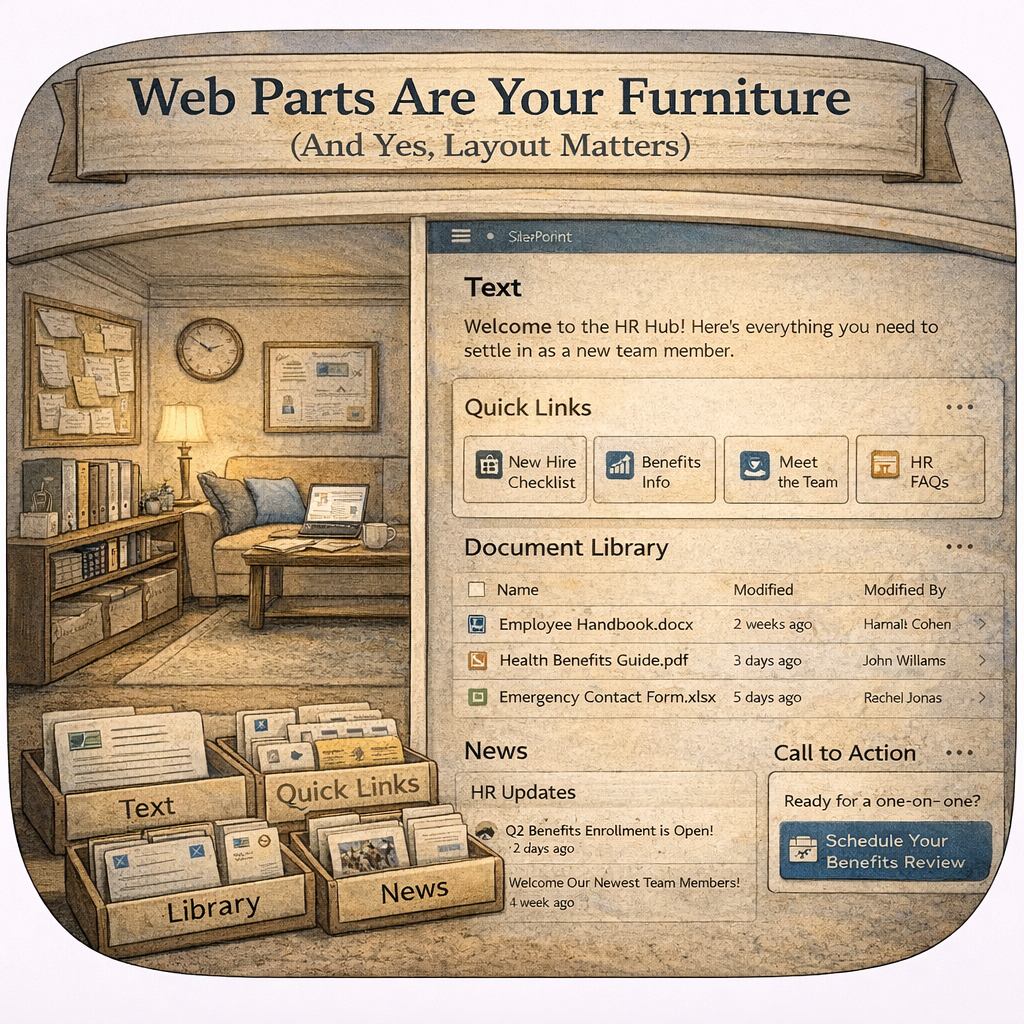
A practical “starter set” of furniture that works in most rooms:
Text (context, instructions, what’s new, what’s important)
Quick Links (clear navigation paths and next steps)
Document Library or List web part (surface the right content)
News (updates that belong in that room’s topic)
Call to Action (when you want users to do something specific)
And the pro move: use sections like you would zones in a room. Don’t cram everything into one column and call it “open concept.”
Ask Yourself
If someone landed on your page with zero context, would they know what this “room” is for in five seconds, or would they start clicking around like they’re lost in a hotel hallway? Purpose-driven pages cut support pings, reduce duplicate documents, and make SharePoint feel like a place people can actually work, not just a place where files go to age. What’s one page on your site that feels more like a hallway than a room, and what job should it actually be doing?
How Can I Help?
When your pages are built like purposeful rooms, SharePoint stops being “that place we store things” and becomes a real business tool, with content surfaced where people need it, plus navigation that feels obvious instead of exhausting. If you want, I can help you map your “rooms” (page purposes), align them to your lists and libraries, then choose the right web parts and layout so users stop asking where things are and start using what you built as intended.
Not sure? Let's Chat!
What’s one page on your site that feels more like a hallway than a room, and what job should it actually be doing? Drop it in the comments!
#emPOWERd #GirlGeeks #MVPBuzz #M365 #Microsoft #Productivity #SharePoint #SharePointOnline #Intranet #DigitalWorkplace


