
Stop Building Rooms With No Doors
Have you ever launched a SharePoint site that looked polished, only to hear: “Where do I click?” “Which page has the thing?” “Why is this buried under three other things?” If your users need a guided tour every time they visit, you don’t have a content problem. You have a floor plan problem.
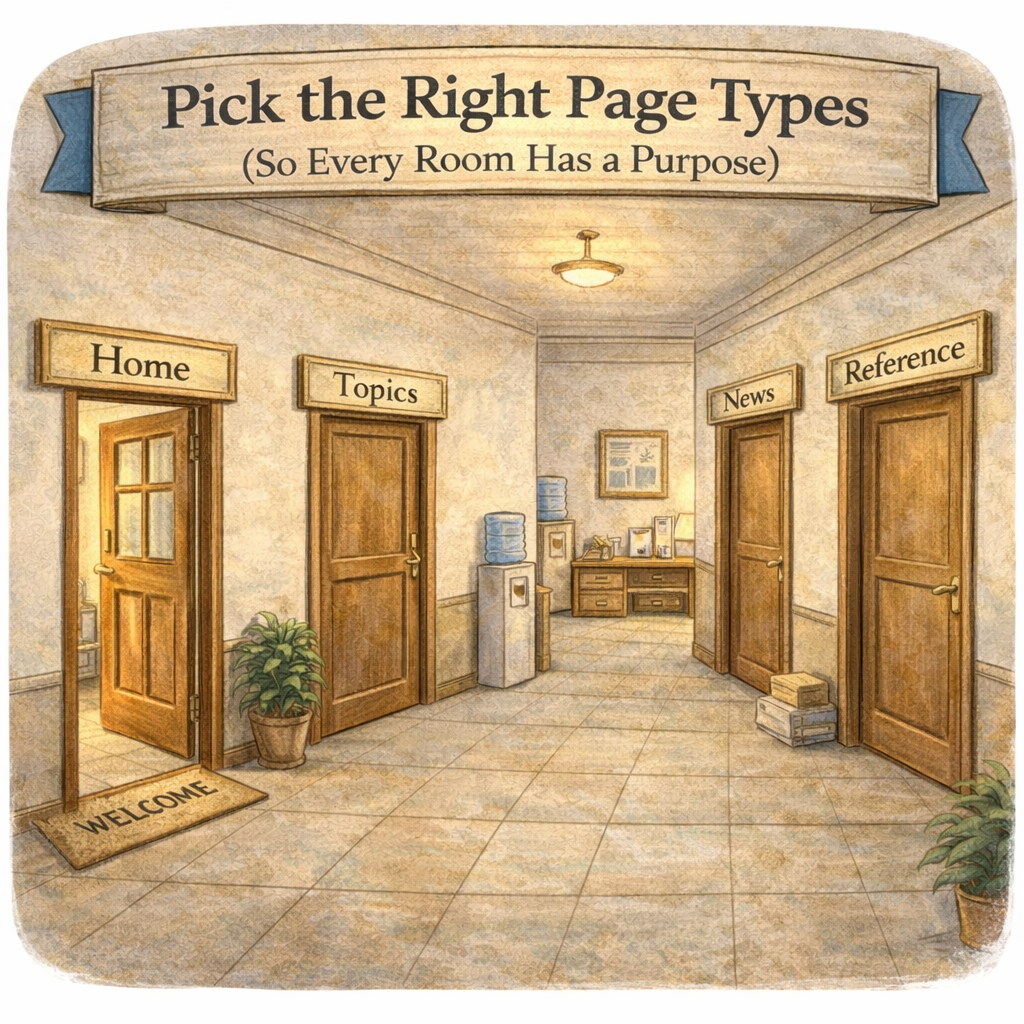
Pick the Right Page Types (So Every Room Has a Purpose)
Before you build navigation, you need to know what kind of “rooms” you’re building. Great sites don’t happen by accident, they’re mapped. Start by choosing page types that match intent, not just aesthetics.
A simple way to think about it:
Home page: the front door and the “you are here” moment
Topic pages: the main rooms, organized around what people come to do or learn
News pages: fresh updates that keep the place feeling alive, not abandoned
Long-form reference pages: when you need the full story in one place (with a plan for how people move through it)
When page types are consistent, users stop guessing and start trusting the site.
Plan the Flow (Navigation That Matches How People Think)
Once the rooms exist, the real win is movement. Your navigation should mirror the mental model your audience already has, not the org chart someone printed in 2009. Two navigation approaches tend to work well: by function (what people need) or by audience (who people are).
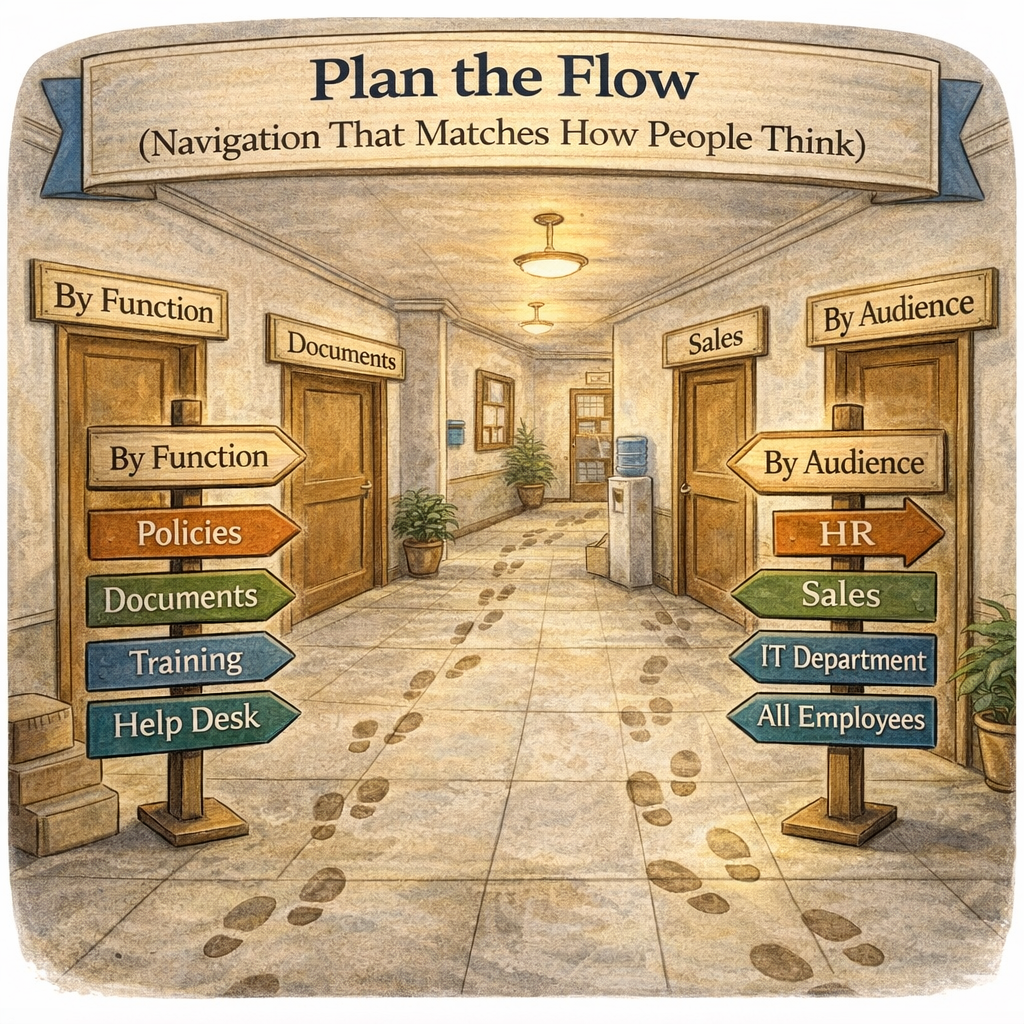
A quick “floor plan” check:
Can someone predict where something lives without being told?
Do your top paths feel natural, like walking from the entryway to the kitchen?
Are you creating clear “hallways” between related pages, instead of teleporting users into random corners?
And yes, the 3-click reality check matters. It’s not a strict law of physics, but it’s a great signal: if it takes more than 3 intentional clicks to reach key content, people start detouring into Teams chats, email, and “I saved it somewhere on my desktop.”
Mega Menu and Anchors (When to Build a Directory and When to Add Signposts)
For sites with more content, the mega menu is your directory wall. Used well, it creates intuitive paths and reduces the “which of these seven links do you want?” chaos. Used poorly, it becomes a junk drawer with better typography.
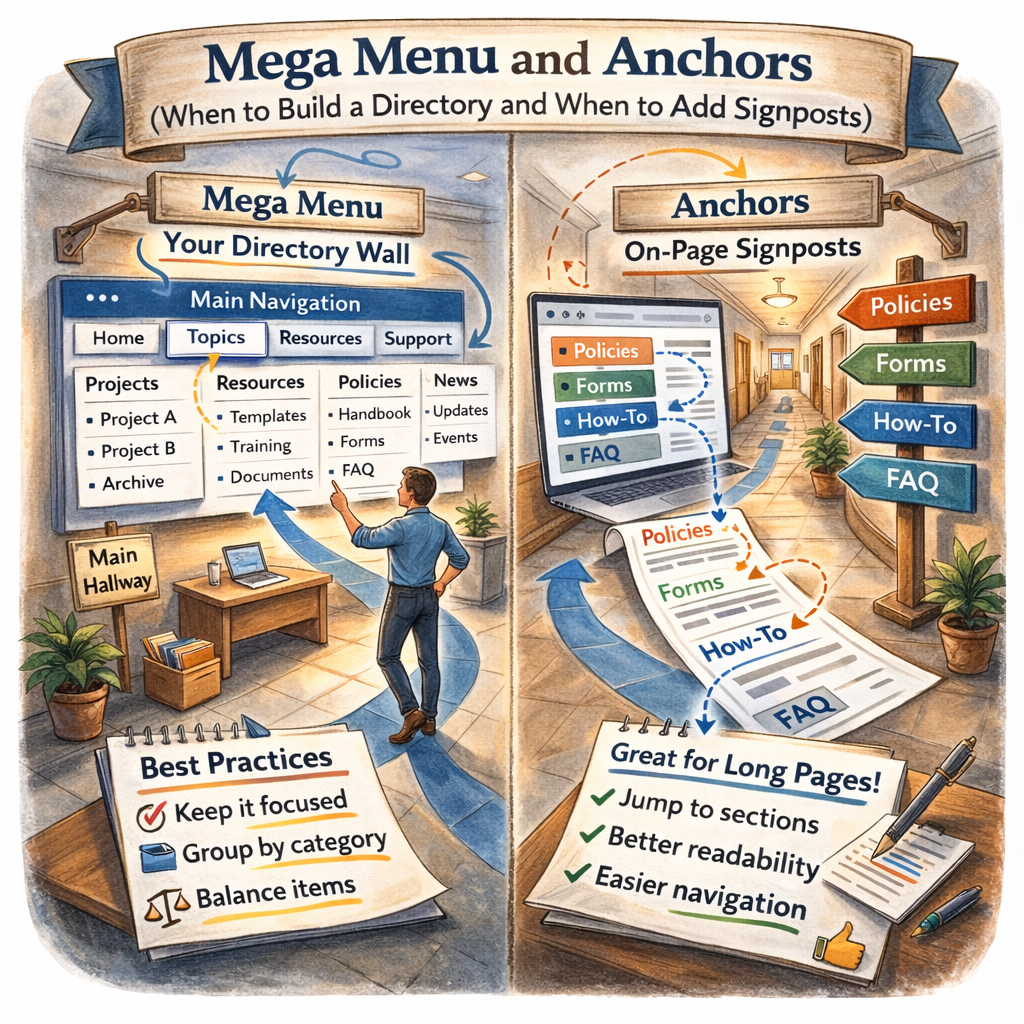
Practical guidance:
Keep top navigation focused (think “main hallways,” not every closet door)
Use mega menu groups to create clear categories users can scan quickly
Balance categories so one group isn’t a novel and the rest are haikus
And for long pages, don’t force people to scroll like they’re reading terms and conditions. Anchors (on-page navigation) make long pages feel walkable, like adding hallway signs: “Policies,” “Forms,” “How-To,” “FAQ.” You can build these with Quick Links or text links, and suddenly the page becomes usable instead of intimidating.
Ask Yourself
If someone brand-new joined your organization tomorrow, could they find your top 3 resources without asking a coworker, or would they wander your site like it’s a maze with nice wallpaper? Mapping your page types and navigation flow isn’t busywork, it’s how you make SharePoint feel obvious (in the best way).
A strong SharePoint site isn’t “more pages.” It’s the right page types, a clear flow, and navigation that respects how humans actually look for information. When your floor plan is solid, your site becomes expandable, maintainable, and way easier to adopt without constant hand-holding.
How Can I Help?
If you want a second set of eyes on your site structure, I can help you map a practical floor plan, simplify navigation, and design a page strategy that scales as your content grows. Whether you need a SharePoint Architect to blueprint the structure, a Consultant to align it to business goals, or an Adoption Specialist to make sure people actually use it, we can make your site feel like a place people want to “live” in.
Not sure? Let's Chat!
What’s one section of your current site that people consistently struggle to find, and where do you think they expect it to be? Drop it in the comments.
#SharePoint #InformationArchitecture #Intranet #Navigation #UserExperience #ContentStrategy #M365 #Microsoft #Productivity #emPOWERd #GirlGeeks #MVPBuzz


