

Is Your SharePoint Home Page Where Trust Goes to Die?
Have you ever watched someone land on your SharePoint home page and immediately do the digital equivalent of standing in the doorway… turning in a slow circle… and quietly panicking? They’re not “bad at SharePoint.” They just walked into an entryway with no coat hooks, no signs, and a chandelier made of random links.
Design the Front Door: Build a Homepage People Trust
Your home page is the entryway to your entire site. It sets expectations in seconds: “You’re in the right place, and here’s exactly where to go next.” When it’s done well, people stop emailing “Where is that thing?” because the site actually answers them.
Think of trust as your home page’s job description. Trust comes from clarity, consistency, and a layout that doesn’t make people work for it. A welcoming entryway isn’t packed with every family photo you’ve ever taken. It’s curated, intentional, and built for flow.
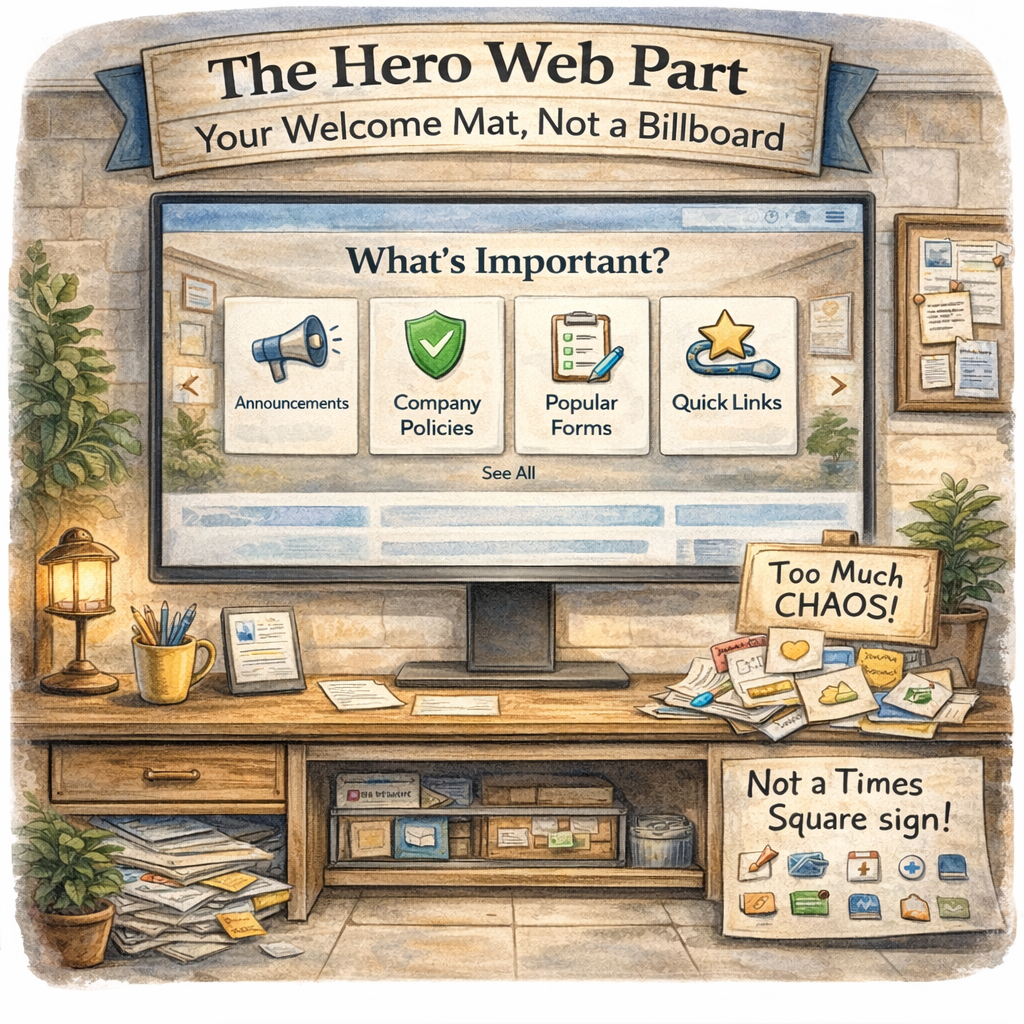
The Hero Web Part: Your Welcome Mat, Not a Billboard
The Hero web part is a very common centerpiece on the Home Page of a site. It's the first thing people see, so it should act like a confident front door, not a flashing Times Square sign. Think of it as your “top 3 to 5 things people came here to do” and nothing else.
What are the top 3 to 5 things your audience needs weekly (or daily)?
What do you want them to do first when they arrive?
What would reduce “quick questions” in Teams by Friday?
Hero isn’t decoration. It’s direction.
If everything is a priority, nothing is. The Hero is where you prove you understand what your audience actually needs.
Quick Links: The “Grab and Go” Zone That Keeps People Out of Your Inbox
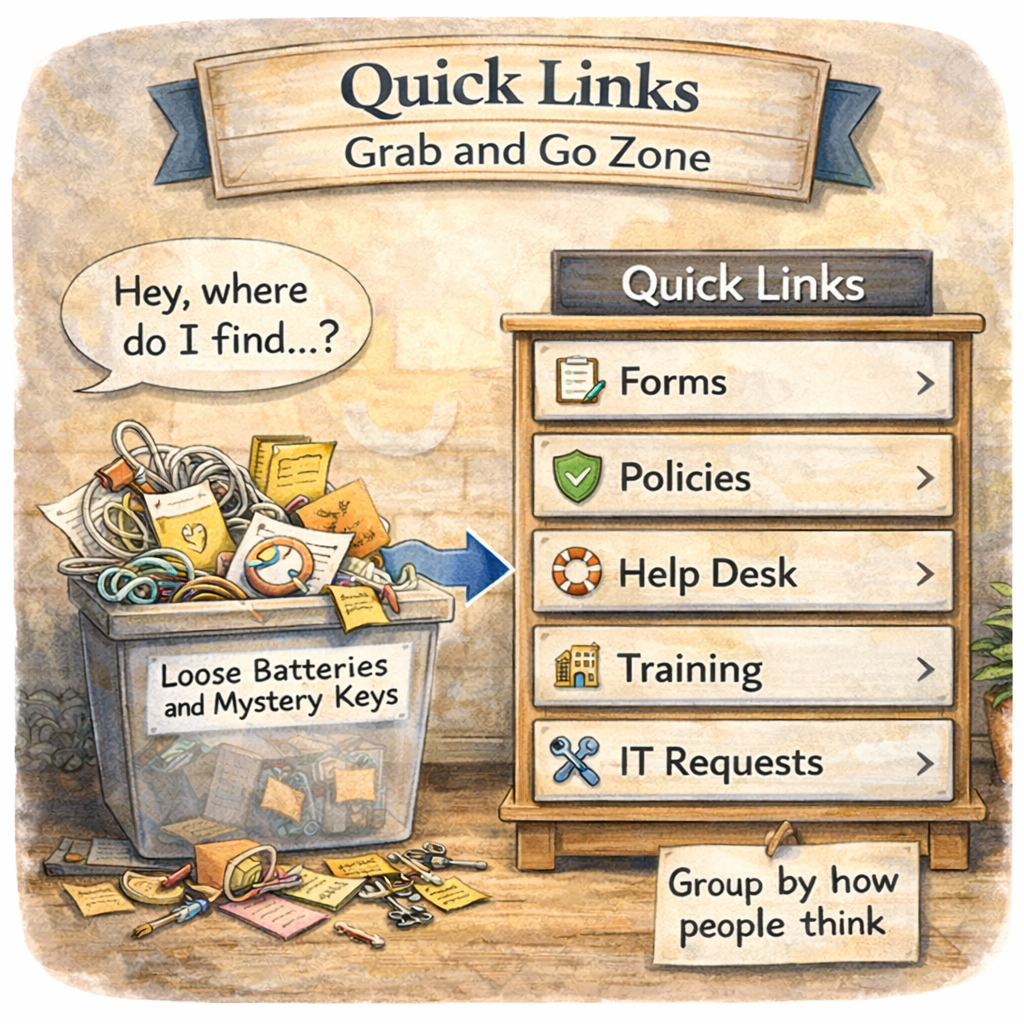
Quick Links are the most underrated peacekeeping tool in SharePoint. Done well, they reduce repeat questions, prevent scavenger hunts, and keep users from sending that classic message: “Hey, where do I find…?”
A few “don’t make me think” best practices:
Group links by how people think, not how your org chart is drawn
Use the right layout for the job (stacked and concise on home pages, more visual on interior pages)
Keep link names consistent so people can scan, click, and move on with their lives
Quick Links should feel like labeled drawers, not a pile of loose batteries and mystery keys.
News That Works: Freshness Without the Noise
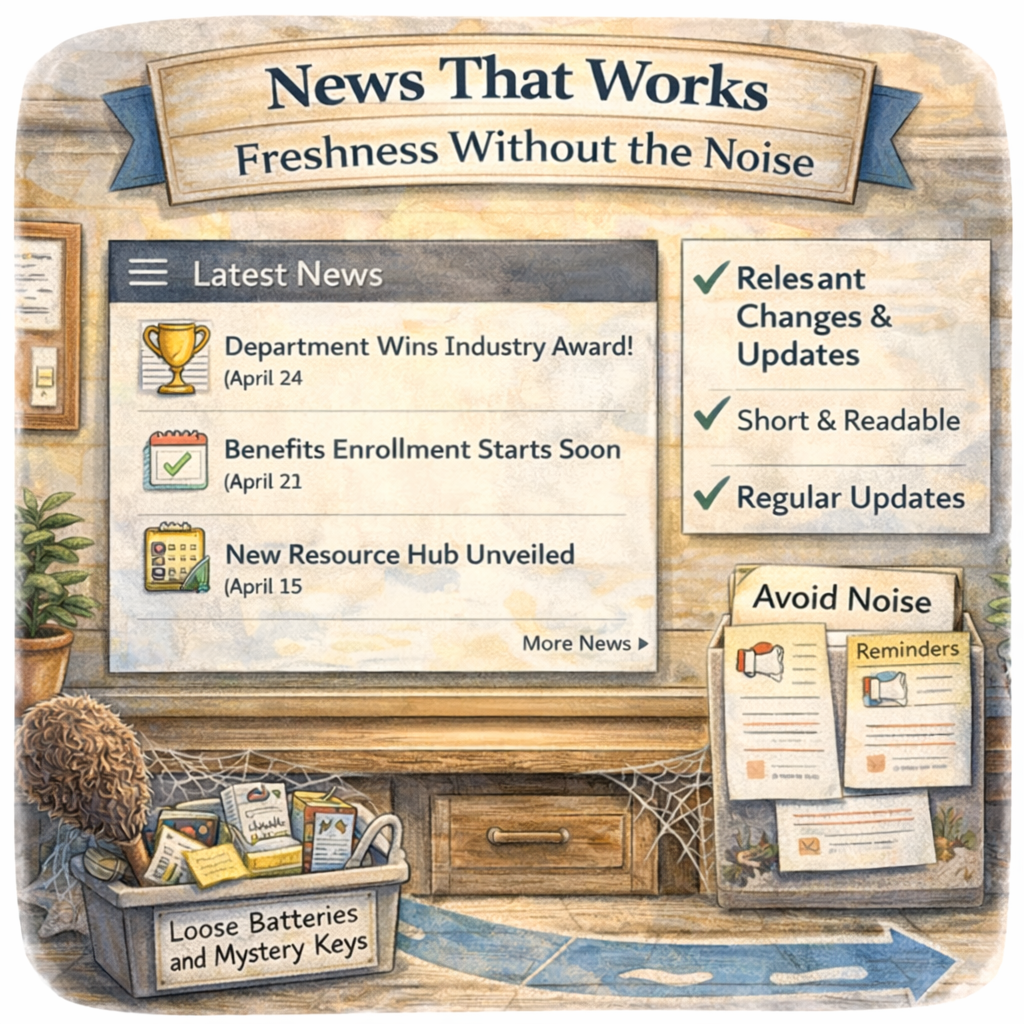
News isn’t filler. It’s proof your site is alive and worth returning to. The right News posts create confidence: “This is current, maintained, and reliable.” The wrong News strategy creates fatigue: “More announcements I’ll never read.”
A practical approach:
Use News for changes, wins, and updates that impact your audience
Keep it short, scannable, and relevant
Aim for a steady rhythm, not a content firehose
If your last post is from three quarters ago, your entryway has cobwebs.
People notice.
Ask Yourself
Is your SharePoint homepage guiding people, or is it making them guess? Because every moment of confusion turns into a workaround: bookmarked deep links, saved copies of documents, and a steady stream of “quick questions” that aren’t quick at all.
A home page that feels obvious is one of the fastest ways to improve SharePoint adoption, because it reduces friction at the exact moment people decide whether your site is helpful or a hassle. Hero gets people moving, Quick Links reduces repeat questions, and News builds trust that the site is current.
Your Turn:
Take a look at your home page today and ask:
If someone brand new landed here, would they know exactly where to click next, or would they start hunting?
Drop your answer in the comments, and if you’re feeling brave, tell me what section causes the most confusion.
How Can I Help?
If you want a second set of eyes, I can help you design an entryway that actually works, whether that means clarifying your “top tasks,” simplifying your layout, creating a homepage blueprint, or aligning your experience to real user behavior as a SharePoint Architect, Consultant, or Adoption Specialist.
Not sure? Let's Chat!
#SPat25 #SharePoint #SharePointOnline #Intranet #InformationArchitecture #DigitalWorkplace #UserExperience #Adoption #ChangeManagement #M365 #Microsoft #Productivity #emPOWERd #GirlGeeks #MVPBuzz


