

Happy Birthday, SharePoint! Is YOUR Site Ready?
Today we wrap up our 25 Days of SharePoint! It's SharePoint's Birthday and, if you've been following this journey, is your site is ready to launch?
To the Moon or Failure to Launch?
Have you ever launched a SharePoint site, felt proud for about 12 minutes, and then watched the questions roll in anyway, “Where is the form?”, “Which file is the right one?”, “Do I have access?”, and your personal favorite, “Can you just email it to me?” If that sounds familiar, it’s not because your build was bad. It’s because your launch plan stopped at “Publish.”
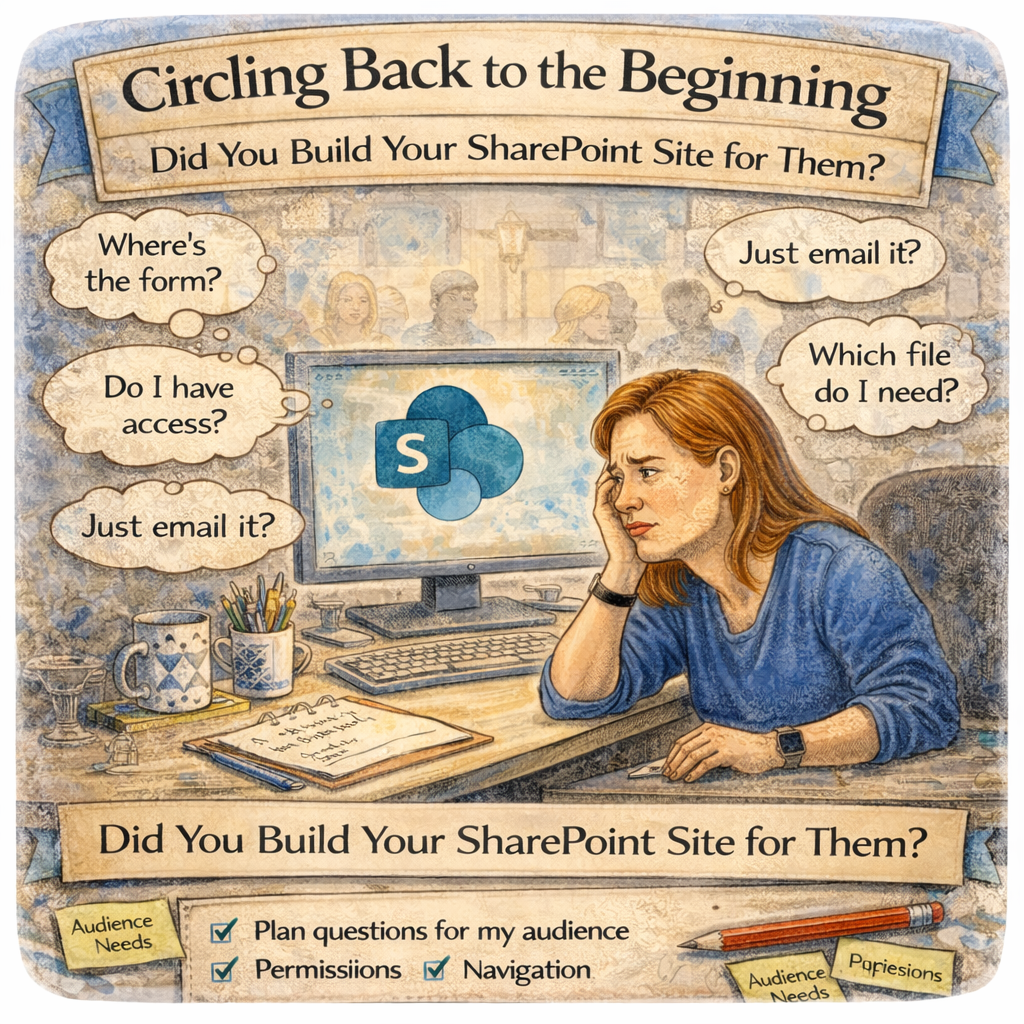
Circling back to the beginning. This is when you realize if you asked the right questions of your audience and built it for THEM!
The Build is Only the Beginning
Launch day is where adoption either starts to breathe or starts to wheeze. Here’s the practical “walk the house” checklist I use to make sure your site is truly ready for real people with real deadlines.
Do a quick “guest tour” (not a builder tour)
Open the homepage and click every main link like you’ve never seen the site before.
Test on mobile, because someone will absolutely use their phone.
Check the “3-click reality”: can a new user reach the top 3 resources fast?
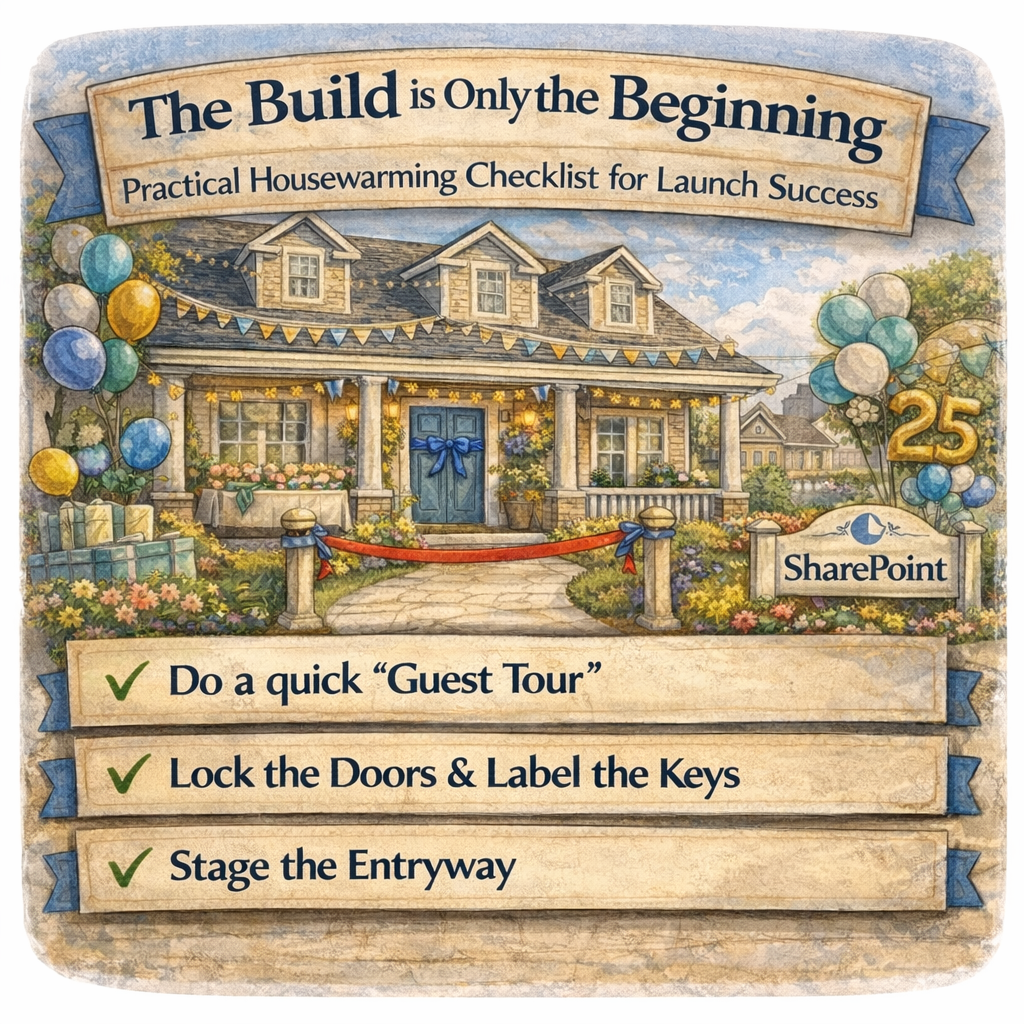
Lock the doors and label the keys
Confirm Owners, Members, Visitors are correct.
Validate a few “typical user” accounts can access what they need.
Make sure no one has “garage door code” access by accident (overshared libraries are the classic launch-day surprise).
Stage the entryway
Make your homepage answer: “What is this site for?” in one glance.
Put your most-used actions front and center: request, find, submit, download, learn.
Confirm your navigation names match how humans talk, not how the org chart talks.
Your “Welcome Message” is Part of the Build
A site launch without a welcome plan is like hosting a housewarming with no directions, no doorbell, and a note that says “figure it out.” If you want people to use the site, the first week needs a little intention.
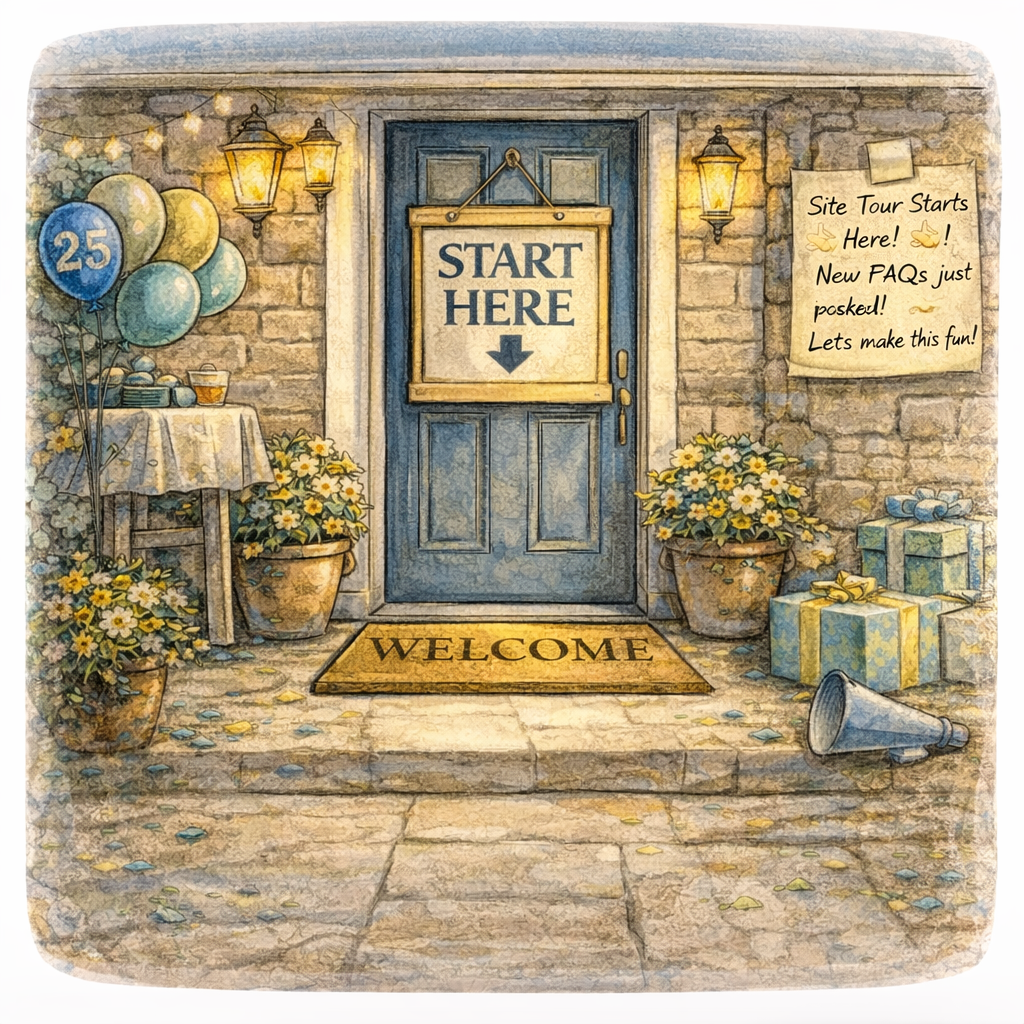
Your launch essentials
Post a short “Start Here” section on the homepage.
Add a “Where do I find…” mini FAQ (even 5 bullets helps).
Create a simple “What’s new” rhythm (News posts or highlighted content) so the site doesn’t feel abandoned on Day 2.
Make it social, not silent
Announce the site in Teams and email with one clear reason to visit.
Ask one easy engagement question: “What’s the first thing you need this site to help you do?”
Recruit 2–3 “first guests” (champions) to pressure-test and spread the word.
Your Housewarming Gift!
Everyone loves a present at the door, especially when it saves them time. Do you want to continue the journey of learning more about SharePoint?
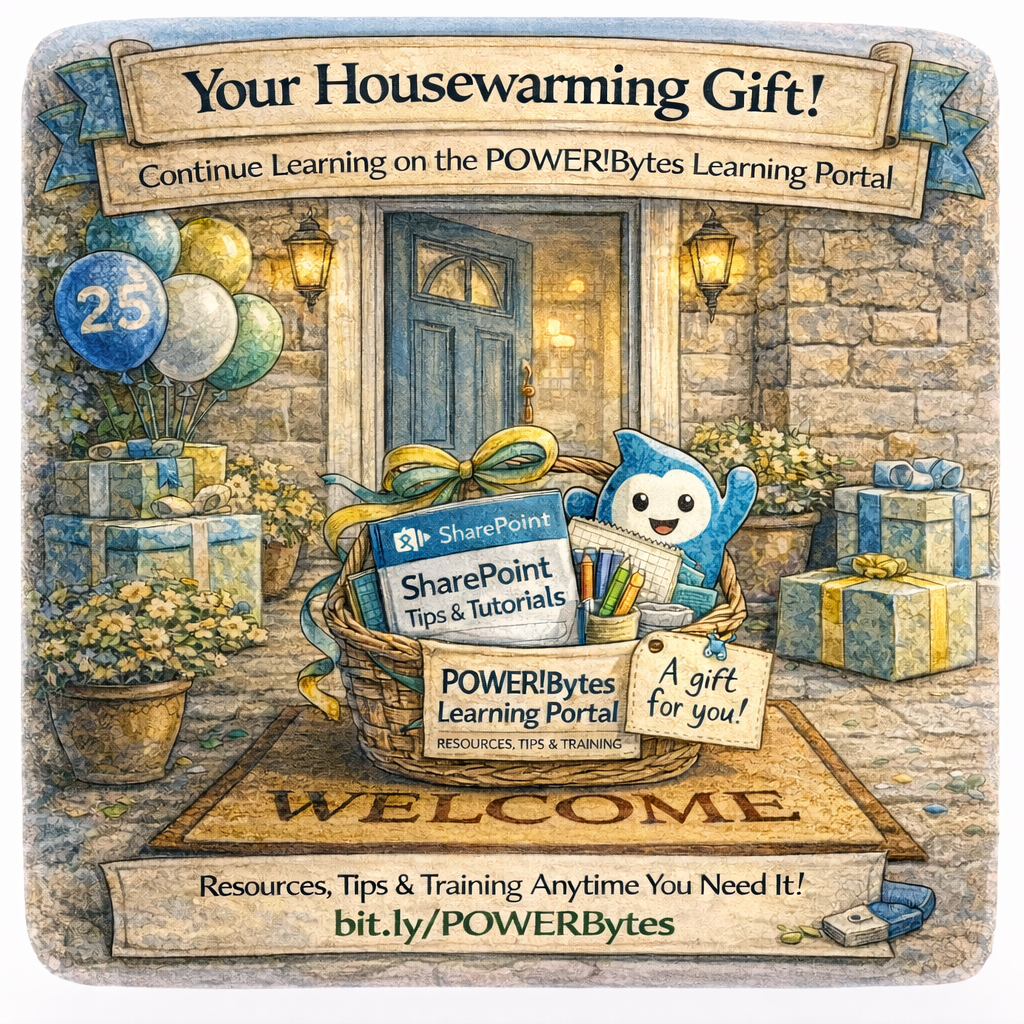
The Learning Doesn't Stop Here...
I have a “gift” for you! post-training resources in the POWER!Bytes Learning Portal, so your users don’t have to rely on memory, screenshots, or that one coworker who “knows SharePoint.” It’s the difference between “training happened” and “confidence sticks.”
Ask Yourself
If someone brand new joined your team tomorrow, could they use your site without asking a single question in Teams or starting an email chain? If the answer is “probably not,” that’s not a failure, it’s a signal.
What’s the one thing that would make your site feel instantly more welcoming: clearer navigation, a better homepage, or a “Start Here” path?
Drop it in the comments!
How Can I Help?
Launching a SharePoint site is more than flipping the switch. It’s about creating a place people trust, understand, and actually return to. This checklist keeps your launch from becoming a slow-motion support ticket. If you want a second set of eyes, I can help you as a SharePoint Architect, Consultant, or Adoption Specialist: tightening your launch plan, validating navigation and findability, creating a simple “Start Here” experience, and making sure your learning resources and change approach actually match how your people work.
Not sure? Let's Chat!
#SPat25 #SharePoint #Microsoft365 #M365 #Intranet #DigitalWorkplace #Adoption #ChangeManagement #Productivity #emPOWERd #GirlGeeks #MVPBuzz #Microsoft


