

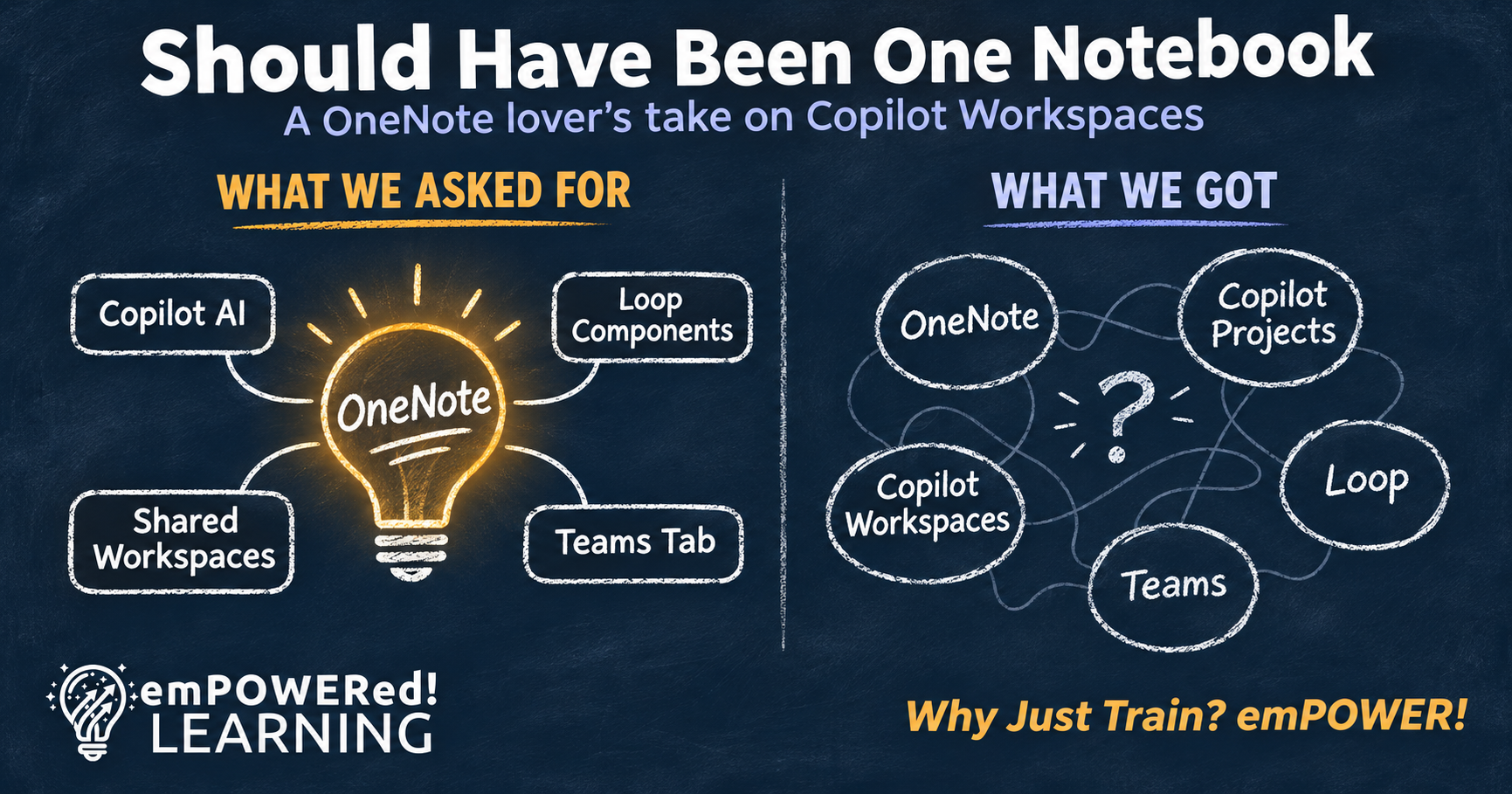
Why Copilot Workspaces and Loop Should Have Been OneNote
I’m a OneNote Lover, and Copilot Workspaces Has Me Worried
I’ll admit it: I’m a longtime OneNote lover. I’ve used it for years to capture ideas, run meetings, organize projects, and build learning experiences. So when Copilot Notebooks arrived, followed by Loop, my first reaction was, “Why isn’t this just the next evolution of OneNote?”
I wasn’t alone. Many of us in the Microsoft community said the same thing earlier this year. People already understand notebooks, sections, and pages, and many organizations have years of knowledge living in OneNote. Building AI-powered collaboration on that foundation would have met people where they are, instead of asking them to learn yet another place to work. Now Copilot Notebooks have become Copilot Workspaces, and I wish the product teams had listened sooner.
Too Many Places Slows Adoption
Here’s why this matters for adoption. Before people can even start their work, they now have to choose between OneNote, Copilot Projects, Copilot Workspaces, Loop, and Teams. Each one overlaps with the others just enough to create confusion, and confusion is where adoption stalls.
Workspaces is designed for teams, but I haven’t seen confirmation yet that a Workspace can be added as a tab in a Teams channel. That’s exactly where most teams already collaborate. Until it lives there, a Workspace risks becoming one more place people have to remember to check.
Loop Content Has No Clear Home
Loop gives me even more hesitation. There still isn’t one definitive place where Loop content is easy to find, view, govern, and clean up. Components created in chats, meetings, and emails are stored in the creator’s OneDrive, and Loop workspaces live in containers most people never see. Copilot Workspaces created over the past year are also stored in the creator’s OneDrive.
So when someone leaves the company, their meeting notes, decisions, and project history can simply disappear with their account. That’s not just a governance problem. It’s a trust problem, and people won’t adopt a tool they can’t trust to keep their work.
What to Do in the Meantime
I want Workspaces to succeed. The idea of people and agents building on each other’s work with shared context is exciting. But features don’t drive adoption. Clarity and trust do, and you can start building both right now with a few simple habits:
Create a What Goes Where guide so everyone knows which tool to use for which kind of work.
Pin Workspace links in your Teams channels so they’re easy to find where your team already works.
Agree on one source of truth for every project, and write it down.
Create team content in the channel, not in a private chat, so it stays with the team.
Add offboarding steps to move shared Loop and Workspace content before someone leaves.
Get the Free What Goes Where One-Pager
To help your team get that clarity, I put together a free What Goes Where one-pager. It covers OneNote, Loop, Copilot Projects, Copilot Workspaces, Teams, OneDrive, and SharePoint, including where your content actually lives and what happens to it when someone leaves. It’s perfect for your champions, your IT team, and anyone who has ever asked, “Where does this go?”
And to the product teams: the community knows how people actually work, so keep listening, because we’re cheering you on. Fellow OneNote fans, I’d love to hear where you stand. Should Copilot Workspaces and Loop have been part of OneNote?
Ready to help your people work smarter, not harder? Schedule a Discovery Conversation


